
ChatGPT Hong Kong: The Complete Guide, from the ChatGPT Official Website Login to a Plus Subscription Paid with PayPal
Monsterapp.ai
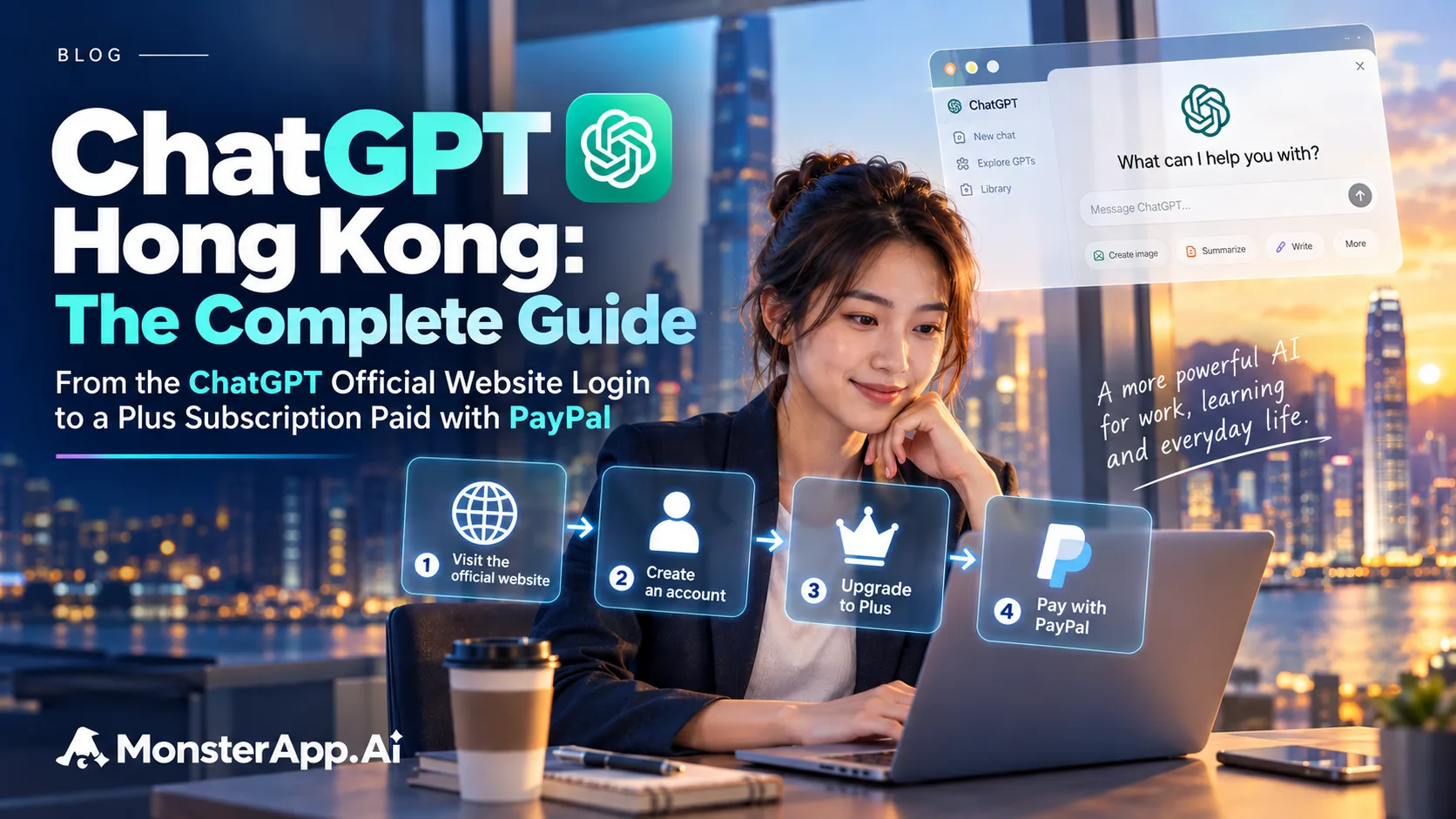
Using ChatGPT in Hong Kong is not the problem. Open the ChatGPT official website, log in, and it works. The real obstacle appears when you try to upgrade to Plus: paying directly with a Hong Kong-issued credit card is very likely to be declined.
The good news is that one route works reliably: switch to a US IP address with a VPN, register a brand-new Google account, and pay with PayPal. You need neither a US credit card nor a US phone number; a Hong Kong mobile number is enough for verification.
Complete the subscription on an Android phone or on BlueStacks on your computer, then log in to the same account on your iPhone or Mac to use Plus.
The IP location at the moment you register a Google account determines which region the new account belongs to.
Your existing account is tied to Hong Kong and cannot be changed. You must create a new one.
At the final step, choose PayPal instead of a credit card, and the payment goes through.
Use a real Android phone or BlueStacks to pay; afterwards, switch back to your iPhone or Mac.
Before tackling payment, here is why the effort is worthwhile. Plus is not simply “faster”. It is a different class of tool.
The free tier is essentially question-and-answer: you ask, it replies. The agent capabilities in Plus work differently. You set a goal, and it breaks the task into steps, executes them one by one, searches the web, reads the files you provide, writes code to verify results, and delivers the finished output without you having to push each step along.
In day-to-day work the difference is concrete: “suggest a headline” becomes “read these three PDFs, pull out the key points and write a report I can submit as is”.
The most off-putting thing about AI is not a wrong answer but a confidently wrong one. The advanced reasoning mode in Plus is noticeably more dependable here: when information is insufficient it says so, and when something needs checking it actually checks, instead of producing a plausible-sounding answer on the spot. For professional work, that matters more than speed.
Hong Kong users have direct access to plenty of AI tools, each with its strengths. But if you want one tool that handles long-document comprehension, multi-step automated execution, writing and running code, web verification and image generation, rather than juggling five browser tabs, ChatGPT Plus remains the most complete option with the fewest compromises.
More importantly, everyday use in Hong Kong has no barriers. The only hurdle is payment, and the rest of this guide solves it.
Whatever device you use, download only from the ChatGPT official website or the official store page, and confirm that the developer is OpenAI.
| Entry point | URL | Use |
|---|---|---|
| ChatGPT official website | chatgpt.com | Log in and use it directly in a browser, including Safari on iPhone |
| ChatGPT official website download page | chatgpt.com/download | Download the Mac desktop app |
| Official Google Play page | ChatGPT — Google Play | Download on Android and BlueStacks; requires a US Google account |
| Official App Store page (US) | ChatGPT — App Store | Download on iPhone; requires a US Apple Account |
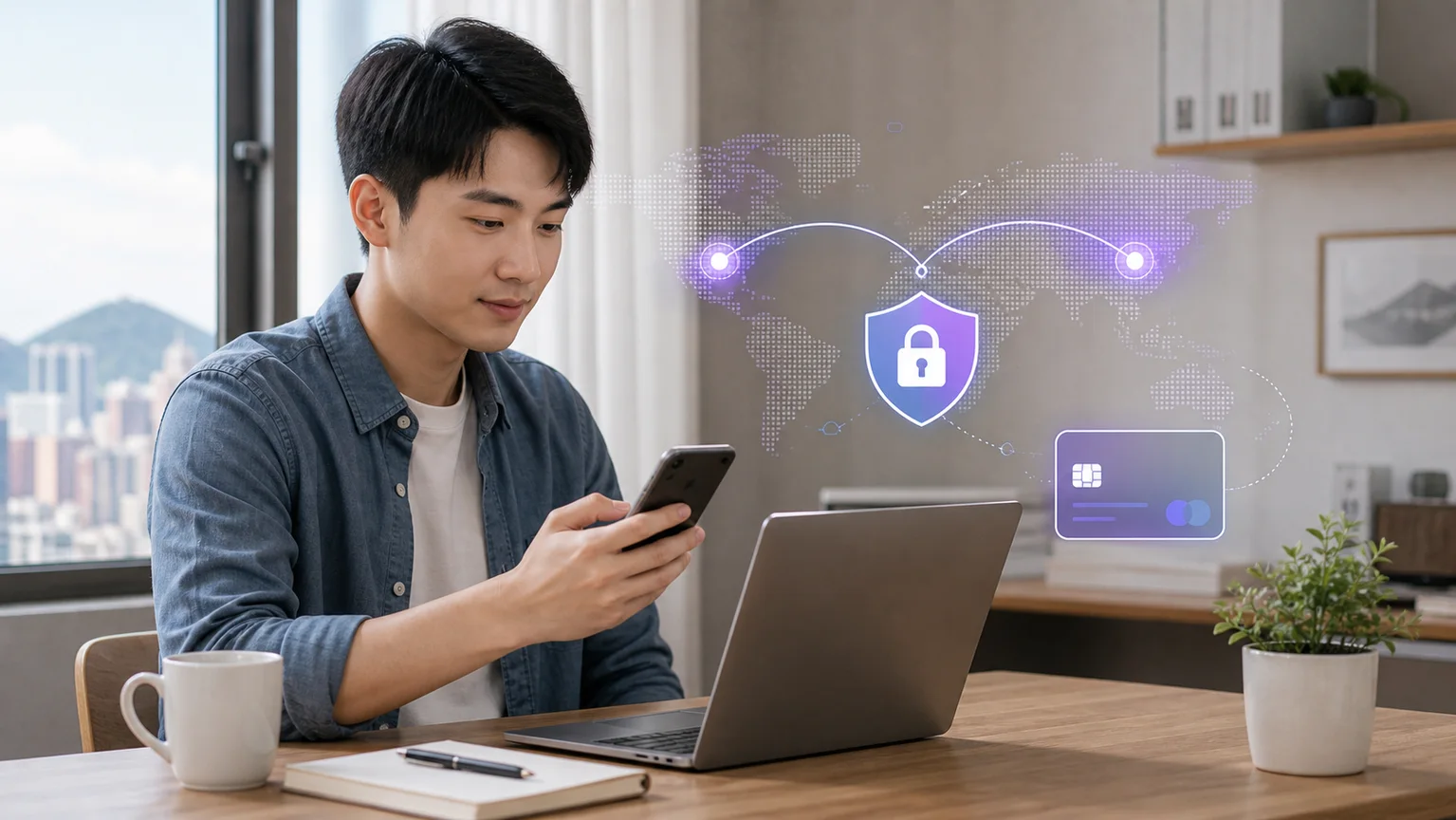
Both methods need the same three things. Have them ready before you start, and none of the later steps will stall.
| Item | Requirement | Notes |
|---|---|---|
| VPN | Can connect to US servers | The IP location when you register the Google account determines its region. |
| PayPal account | A Hong Kong account is fine | The final payment method; no US PayPal needed. |
| Phone number | A Hong Kong +852 number is fine | Receives Google’s SMS verification code; no US number needed. |
Of everything on this route, the VPN is the one tool that decides success or failure. Google assigns a new account to a region based on the IP address at the moment of registration: a US IP gives you a US account; a Hong Kong IP locks the account to Hong Kong, and nothing you do afterwards can change it.
So when choosing a VPN, price matters less than three conditions: stable US servers, native apps for Mac, Windows and Android, and a connection that does not drop mid-session. If the connection drops during registration, Google immediately detects your real Hong Kong IP and the earlier steps are wasted.
The two options below are the most widely used by Hong Kong users and best meet these conditions.
An established provider with many US servers spread across different cities; if one server is busy, you can switch instantly. It has native apps for Mac, Windows, Android and iOS with a simple interface: one tap connects you to the US, with no manual configuration.
If this is your first VPN and you do not want to spend time researching, this is the choice least likely to go wrong.
Its standout feature is that one subscription covers unlimited devices at once. That is especially useful here: you may need the VPN on your computer to run BlueStacks while your phone stays connected too, and with Surfshark you never have to count devices. It also supports Mac, Windows, Android and iOS.
If your household has several devices, or you plan to share the cost with family, it is better value.
Either one will do the job. After installing, remember: connect to a US server first, open a web page to confirm your location shows as the US, then keep the VPN on throughout until the Google account registration is complete.
This is the heart of the guide. Paying ChatGPT directly with a Hong Kong-issued credit card is very likely to be declined, but link that same card to PayPal, pay through PayPal, and it goes through. You do not need a US PayPal account; a Hong Kong PayPal account works.
If you do not have PayPal yet, sign up first. Registration takes a few minutes, after which you link the Hong Kong credit or debit card you normally use.
This receives Google’s SMS verification code. When you register a new account with a VPN on, Google asks for phone verification as a security measure; this is normal. A Hong Kong number has no effect on the account’s region: the number is used only for identity verification, and the IP address determines the region.
What you do not need: a credit card
Registering a brand-new Google account is completely free and never asks for credit card or payment details. The actual payment happens at the very end, through PayPal.
If you have an Android phone at hand, whether your own, an old one or a borrowed one, this is the most direct route.
Turn on the VPN and switch to the US
Install and sign in to the VPN app on your Android phone, then connect to a US server. Confirm the connection before moving on.
Register a brand-new Google account
Do not reuse your existing Hong Kong Google account: its region and payment profile are locked to Hong Kong, and turning on a VPN will not change that.
Create the new account with the VPN on. The system will usually ask for phone verification; enter your +852 Hong Kong number to receive the SMS.
Download ChatGPT from Google Play
Sign in to Google Play with the new US account, then search for and install the ChatGPT app, or open the official Google Play page directly.
Note: While signed in with a Hong Kong Google account, this link will not show the ChatGPT app. You may see “Your device isn’t compatible with this version”, or nothing at all. Sign out of the Hong Kong account and use the new US account (or an account from another country where ChatGPT is available), and the install button will appear. Not seeing the app does not mean you did something wrong; it only means you are still signed in with the Hong Kong account.
Log in to your ChatGPT account
Use your usual OpenAI account. There is no need to create a new one, and your existing conversation history and settings are kept.
Choose the Plus plan and pay with PayPal
Choose to upgrade to Plus in the app, and you must select PayPal as the payment method, not a credit card. Once you authorise the payment, the subscription takes effect immediately.
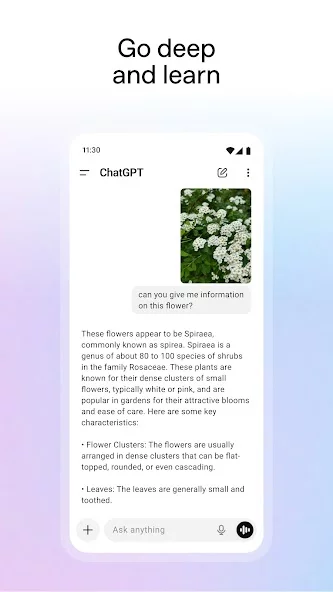
Before downloading, check the official app icon and store page. The image below shows ChatGPT’s official product page on Google Play. If your Hong Kong account cannot see this page, switch to the new US account as described above.
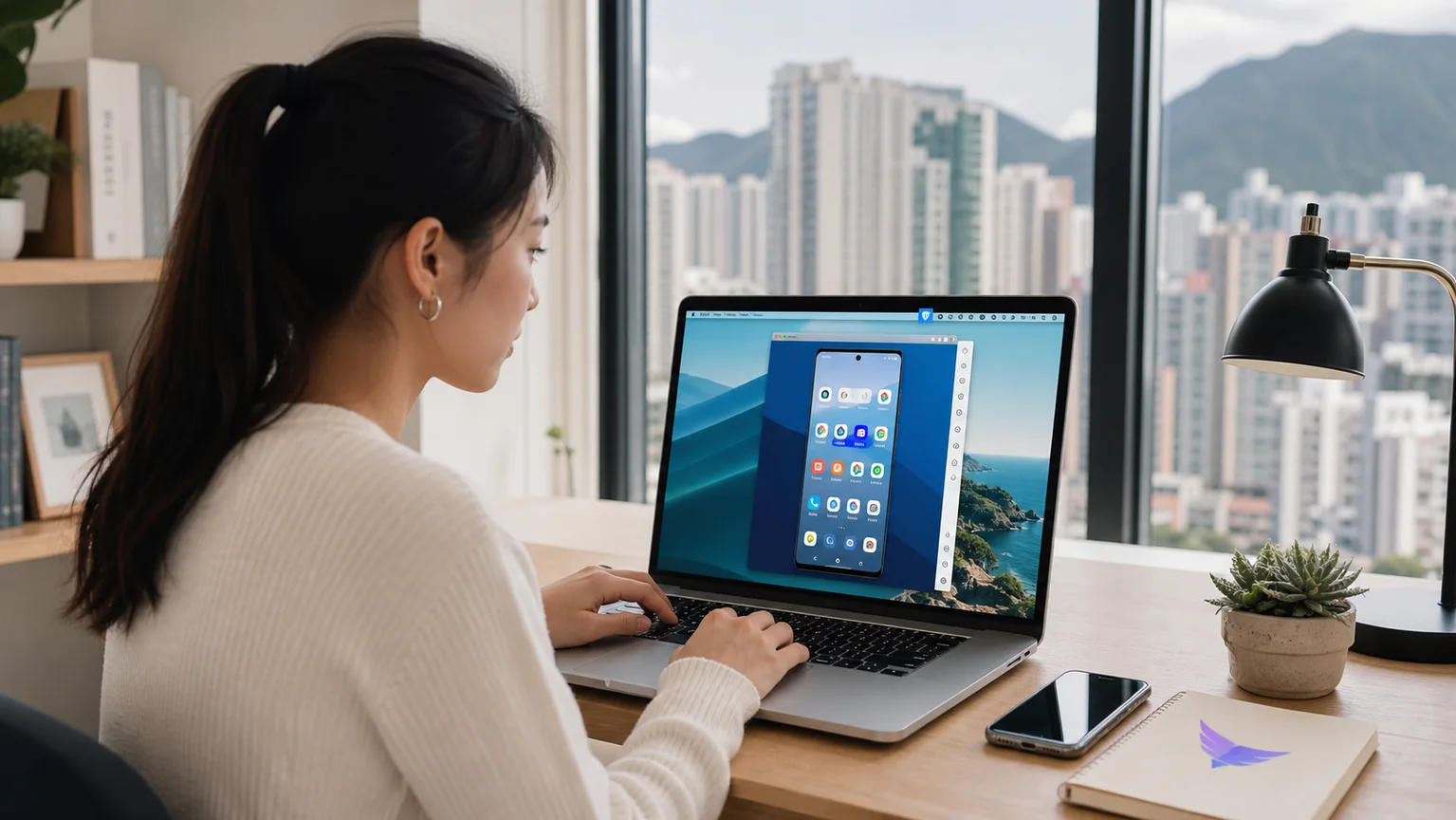
If you only have an iPhone, or only a Mac or Windows computer, you can still do this. Use the BlueStacks Android emulator to create an Android environment on your computer; every step after that is the same as Method 1.
Apple Silicon Macs use BlueStacks Air; Windows uses BlueStacks 5. Both are free Android emulators with Google Play built in. Think of them as “an Android phone running inside your computer”.
Install the right version of BlueStacks on your computer
Apple Silicon Macs: download BlueStacks Air. Windows: download BlueStacks 5. Launch it after installing; the first start takes a while to initialise, so be patient.
Turn on the VPN and switch to the US
Turn on the VPN at the operating-system level of your computer and connect to a US server. BlueStacks follows the system network settings, so there is no need to install a VPN inside the emulator.
Register a brand-new Google account inside BlueStacks
In BlueStacks, go to Settings → Accounts → Add Google account and register there. Again, receive the SMS verification code on your Hong Kong number.
Download ChatGPT from Google Play
Sign in to BlueStacks’ built-in Google Play with the new account, then search for and install the ChatGPT app, or open the official Google Play page directly. A reminder: you must be signed in with the new US account. A Hong Kong account cannot see this app.
Log in to ChatGPT and pay with PayPal
Same as Method 1: log in to your existing OpenAI account → choose Plus → select PayPal as the payment method, not a credit card → done.
BlueStacks is only for completing the subscription
You do not need to keep BlueStacks running for everyday use. Plus is activated on the OpenAI account you logged in with, not locked to the emulator. Once payment succeeds, log in to the same OpenAI account on your iPhone, Mac or any other device, and Plus is already active.
We do recommend keeping BlueStacks and that Google account, though: renewing, changing the payment method or cancelling the subscription later all require returning to the original Google Play environment.
The fastest way is to open the ChatGPT official website (chatgpt.com) in Safari on your iPhone and log in to the OpenAI account you just subscribed with. You do not need to change your App Store region. If you want the native iPhone app, change your Apple Account region as follows.
Check whether your Apple Account can change region
Apple requires you to spend your remaining account balance and resolve any subscriptions, pre-orders or Family Sharing arrangements that block a region change. If your main account has iCloud+, Apple Music or other ongoing subscriptions, the change may not go through immediately.
Open the Country/Region setting on your iPhone
Go to Settings → your name → Media & Purchases → View Account → Country/Region → Change Country or Region, then select the United States.
Complete the US details on screen
If the payment method screen shows “None”, you can choose not to add a payment method, but this option does not appear for every account. Apple may still require a valid payment method and billing address. Enter only genuine details that you are entitled to use.
Download the official ChatGPT app from the App Store
Once switched to the US store, search the App Store for “OpenAI ChatGPT”, confirm the developer is OpenAI, then download; or open the official App Store page directly.
Connect the VPN, then log in to the same OpenAI account
On your iPhone, connect to a US VPN first, then open the app and log in to the same OpenAI account you used to pay on BlueStacks. Plus syncs with the account, so there is no need to pay again on the iPhone.
Switch back to the Hong Kong region if needed
After the app is downloaded, if your Apple Account meets the region-change conditions, follow the same path to switch back to Hong Kong. The ChatGPT app stays on your phone, but future app updates may be affected by store region restrictions.
About US addresses, phone numbers and ZIP codes
Apple’s official guidance states that changing region may require a valid payment method and that you must enter billing details for the new region as prompted. Apple does not endorse any random address generator. To avoid failed account verification, payment errors or being unable to recover your account later, we do not recommend entering a fake address or phone number.
Reference: Apple’s official guide “Change your Apple Account country or region”
After paying on BlueStacks, everyday use on your Mac no longer needs the Android emulator. Turn on the VPN on your Mac, connect to a US server, then install the desktop app from the ChatGPT official website’s download page.
Connect the VPN at the macOS system level
Open NordVPN, Surfshark or the VPN of your choice, connect to a US server, and confirm the connection before opening the download page.
Download the Mac app from the ChatGPT official website
Go to the ChatGPT official website’s download page (chatgpt.com/download); the site offers the right installer for your Mac.
Check that your Mac meets the system requirements
OpenAI currently lists macOS 14 and Apple Silicon (M1 or later) or a supported Intel Mac. On older systems, use the ChatGPT official website in a browser instead.
Keep the VPN connected and log in to the same OpenAI account
After installing, keep the US VPN connected and log in to the account with Plus activated; the subscription syncs automatically. The Mac app is simply another way in, with no need to pay again.
If registering in a Mac browser with the VPN on keeps returning “Couldn’t verify” or verification errors, stop retrying and register via BlueStacks instead: Settings → Accounts → Add Google account. Risk controls in an Android emulator environment are relatively relaxed, and it usually works first time.
Google limits how many accounts one phone number can verify within a short period. If your number has been used for verification too often recently, borrow a family member’s Hong Kong number to receive the SMS, and the problem is solved.
Q1: Can I use the ChatGPT official website directly in Hong Kong?
Yes. Open the ChatGPT official website (chatgpt.com) in a browser and log in. The only step that needs handling is payment for the Plus upgrade. Once subscribed, log in to the ChatGPT official website with the same OpenAI account, and Plus features sync automatically.
Q2: Do I really not need a credit card at all?
Subscribing to Plus through BlueStacks or Google Play does not require submitting credit card details directly to ChatGPT: registering a Google account asks for no payment details, and the final payment is made with a Hong Kong PayPal account. However, if you separately switch your Apple Account to the US region to download the iPhone app, Apple may require a valid payment method and billing details. Treat these as two separate matters.
Q3: Will verifying with a Hong Kong phone number turn the account back into a Hong Kong account?
No. The phone number is used only for identity and security verification and does not determine the account’s region. What determines the region is the IP address at registration and the payment profile you later set up in Google Play or Google Pay.
Q4: Why does Google suddenly ask for phone verification when I create a new account?
When you create a new account with a VPN on or in incognito mode, Google asks for a phone number to receive an SMS as a security measure against bots and bulk sign-ups. This is normal and does not mean the account has been blocked.
Q5: Why must I create a new Google account instead of changing the old one?
The region and payment profile of your existing account are tied to Hong Kong, and turning on a VPN will not change them. Creating a brand-new account is the most direct approach with the highest success rate.
Q6: I can’t find the ChatGPT app on Google Play. Did something go wrong?
No. The ChatGPT app is not visible when you are signed in to Google Play with a Hong Kong Google account. This is a regional restriction, not a mistake. Sign out of the Hong Kong account, use the new US account, and the app will appear as normal.
Q7: Should I choose NordVPN or Surfshark?
Either will work. If it is your first VPN and you want the fewest steps, choose NordVPN. If your household has several devices or you want to share the cost with family, Surfshark covers unlimited devices on one subscription and is better value. What really matters is a stable US server and keeping the VPN on throughout registration.
Q8: Will my existing conversation history disappear after subscribing?
No. Payment goes through Google Play, but Plus is activated on the OpenAI account you are logged in to. As long as you log in with your existing account, your history and settings remain intact.
Q9: After downloading ChatGPT on iPhone, can I switch back to the Hong Kong region?
Yes, provided you meet Apple’s region-change conditions, for example no remaining account balance, no pending items, and no subscriptions or Family Sharing blocking the change. After switching back to Hong Kong, the installed ChatGPT app usually stays on your phone; the store page and updates may depend on availability in the Hong Kong store.
Q10: When the ChatGPT app on iPhone needs updating, do I have to switch to the US region again?
If the Hong Kong App Store shows the update normally, just update. If the update button does not appear or the store page will not open, the safest approach is to switch your Apple Account back to the US region you downloaded from, update, then switch back to Hong Kong as needed. Not every update requires a region change, but allow for this step.
Q11: Do I still need to open BlueStacks to use ChatGPT Plus on my Mac day to day?
No. BlueStacks only provides the Android environment for completing the Google Play payment. Once the subscription is active, your Mac can download the desktop app directly from the ChatGPT official website, or you can log in to the same OpenAI account in a browser.
| Item | Method 1: Android phone | Method 2: BlueStacks |
|---|---|---|
| Best for | People with an Android phone | People with only an iPhone, Mac or Windows PC |
| Extra tools | None | BlueStacks Air (Mac) / BlueStacks 5 (Windows) |
| Where the VPN runs | Phone | Computer |
| Google account | New registration (US IP) | New registration, done inside BlueStacks |
| Phone verification | Hong Kong +852 | Hong Kong +852 |
| Payment method | PayPal | PayPal |
| Use after subscribing | Log in to the same account on any device | iPhone app / ChatGPT official website in Safari / official Mac app |
| iPhone app updates | If the Hong Kong store cannot update it, switch back to the US region you downloaded from, then update | Same as left |
The whole route comes down to three things: a US IP address, a brand-new Google account and PayPal payment. The Android phone or BlueStacks only completes the subscription. Once it succeeds, Plus syncs with your OpenAI account, so your iPhone, Mac and other devices can use it directly, and you can log in from the ChatGPT official website at any time.
Half an hour of one-off setup buys you an AI assistant that genuinely handles multi-step work and is willing to say “I’m not sure”. The trade-off is easy to justify.
Upgrading your own account to Plus is only the start. If you want your whole team to build ChatGPT into daily workflows, Monsterapp.ai provides AI Training and Adoption Support, helping staff use AI effectively in real work and identifying the AI use cases that deliver the most impact. Contact a Monsterapp.ai expert →
We'll help you identify where AI creates the fastest measurable value.